

This release is only compatible with Tiger (10.4).
Please see kineme.net for Leopard-specific informations.
Please see kineme.net for Leopard-specific informations.
-
Start up Interface Builder:
-
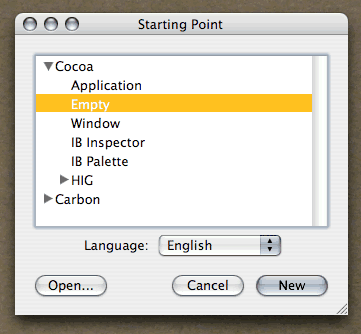
Make a new NIB, with a “Cocoa / Empty” starting point:
-
Make a subclass of
NSObjectcalledQCInspector. Then make a subclass ofQCInspectorwith the class name of your patch, followed by “UI”.P5GloveUIin this case: -
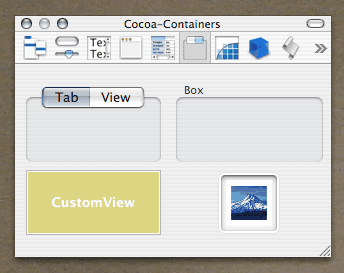
Drag a “CustomView” into the project:
-
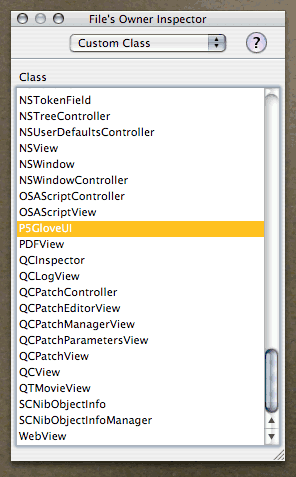
Select “File’s Owner” and set its “Custom Class” to the UI subclass you created above (
P5GloveUIin this case): -
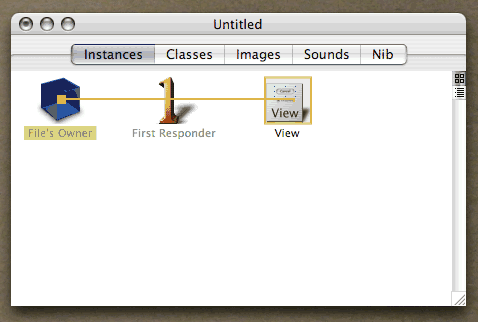
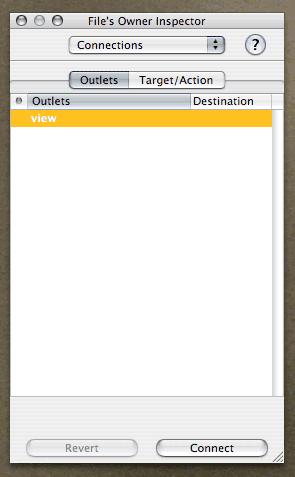
Control-drag from “File’s Owner” to “View”, then “Connect” the view to the UI subclass’s “view” outlet:
-
Throw a few controls onto the View if you’d like:
-
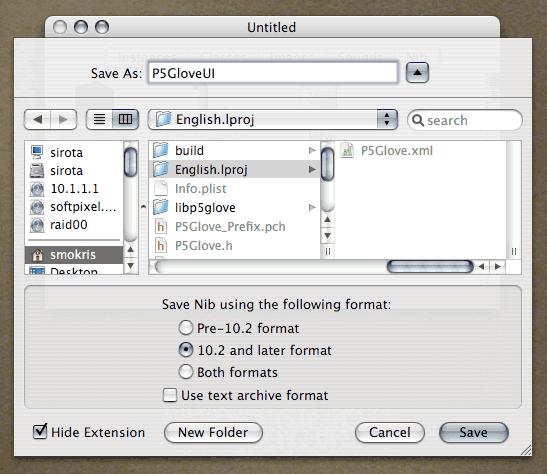
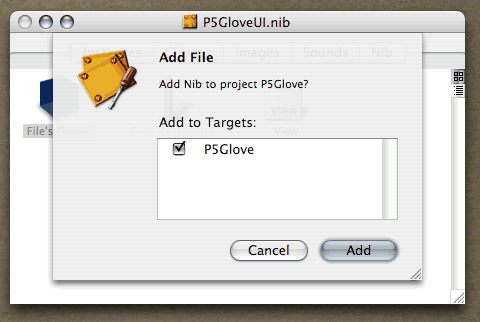
Save the NIB in your patch’s English.lproj folder, and add it to the project:
-
Add the QCInspector interface to your patch’s
qcplugin.h:@interface QCInspector : NSObject { NSView *view; QCPatch *_patch; void *_unused2[4]; } + (id)viewNibName; + (id)viewTitle; - (id)init; - (void)didLoadNib; - (id)patch; - (void)setupViewForPatch:(id)fp8; - (void)resetView; - (id)view; @end -
Add
inspectorClassWithIdentifierto your patch’s interface: P5Glove.h:@interface P5Glove : QCPatch ... + (Class)inspectorClassWithIdentifier:(id)fp8; @end
-
Implement
inspectorClassWithIdentifier: P5Glove.m:@implementation P5Glove : QCPatch ... + (Class)inspectorClassWithIdentifier:(id)fp8 { return [P5GloveUI class]; } @end -
Add the
P5GloveUIclass interface and implementation to your patch’s project: P5GloveUI.h:@interface P5GloveUI : QCInspector + (id)viewNibName; // IMP=0x97b89415 @end
P5GloveUI.m:@implementation P5GloveUI : QCInspector + (id)viewNibName { return @"P5GloveUI"; } -
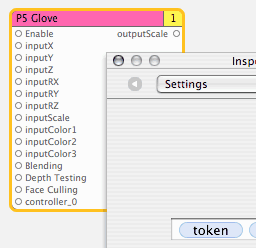
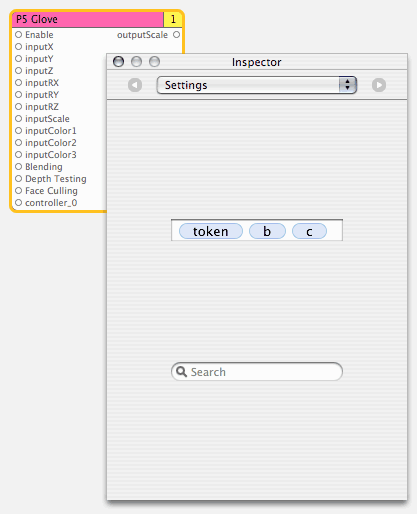
Build and launch Quartz Composer. You’ve got an inspector:
- Enjoy.




Steve Mokris is a developer at Kosada, Inc.